
A perception and reading assistant for blind and low-vision users

Perception Assist

Stay aware outside. Understand what is in front of you.

Sit down and keep reading. See clearly and manage the whole document.

China mainland editionApp Store · China mainland

Perception Assist is an environmental awareness aid. It does not replace a cane, guide dog, professional navigation, or your own safety judgment.

V1.9.0

V1.9.0 brings a public library into the accessible reader

Building on V1.8.0 Assistive Reading, browse, search, and download a vast collection of Project Gutenberg public-domain books, with EPUB/TXT, offline continuation, translated reading, and locked-screen listening.

See what’s new in 1.9.0

Capabilities

One product, two natural ways to use it

Get a quick answer when you need to understand your surroundings, then move into a focused reading space when you want to continue.

01

Perceive as you move

Stay aware outside. Understand what is in front of you.

Walking Guardian, surroundings observation, text reading, and voice conversation help with streets, signs, menus, and nearby objects.

Start walking guard

Start walking guard automatically when the app opens, so it can watch for nearby hazards while you walk.

Observe surroundings

Double tap to run the current option. Swipe up or down to switch between Observe surroundings and continuous recognition.

Text recognition

When you are seated or checking fixed text, use “Read text aloud”. The app watches the camera view, asks you to hold steady or adjust light when needed, then automatically chooses a clear still frame for cloud analysis.

Start voice conversation

Ask follow-up voice questions, such as what is ahead or where the tactile paving is.

Important Item Memory

Off by default. After you enable it, selected items seen indoors are saved locally as time and position text. Images, audio, and full questions are not saved.
02

Sit down and keep reading

Sit down and keep reading. See clearly and manage the whole document.

Reading Camera and the Assistive Reading workspace make photos, documents, and web pages easier to see, hear, find, and manage.

Reading camera

Magnify what is in front of you or align a page for automatic reading.

Open a photo or document

Choose what you want to read. Photos use Smart Photo Reading; PDF, Word, Excel, and web pages are extracted locally first.

Reading mode

Browse full text · Read and follow · Listen

Bookmarks and notes

Search document · Continue last reading

Accessible reader · Real product interface

More than reading one passage aloud. Keep going through the whole document.

Open Reading Camera or import a photo, PDF, Word, Excel, or web page. Choose a comfortable display and move naturally between visual, follow-along, and listening modes.

Reading camera

Magnify what is in front of you or align a page for automatic reading.

Open a photo or document

Choose what you want to read. Photos use Smart Photo Reading; PDF, Word, Excel, and web pages are extracted locally first.

Reading mode

Browse full text · Read and follow · Listen

Bookmarks and notes

Search document · Continue last reading

Read it now and answer the immediate need · Assistive Reading keeps your place

Text in front of you

Read it now and answer the immediate need

Point at a sign, menu, or package for a quick spoken result without leaving what you are doing.

The whole document

Assistive Reading keeps your place

After importing a document, search it, add bookmarks and notes, return to the source, and continue where you stopped.

Start walking guard

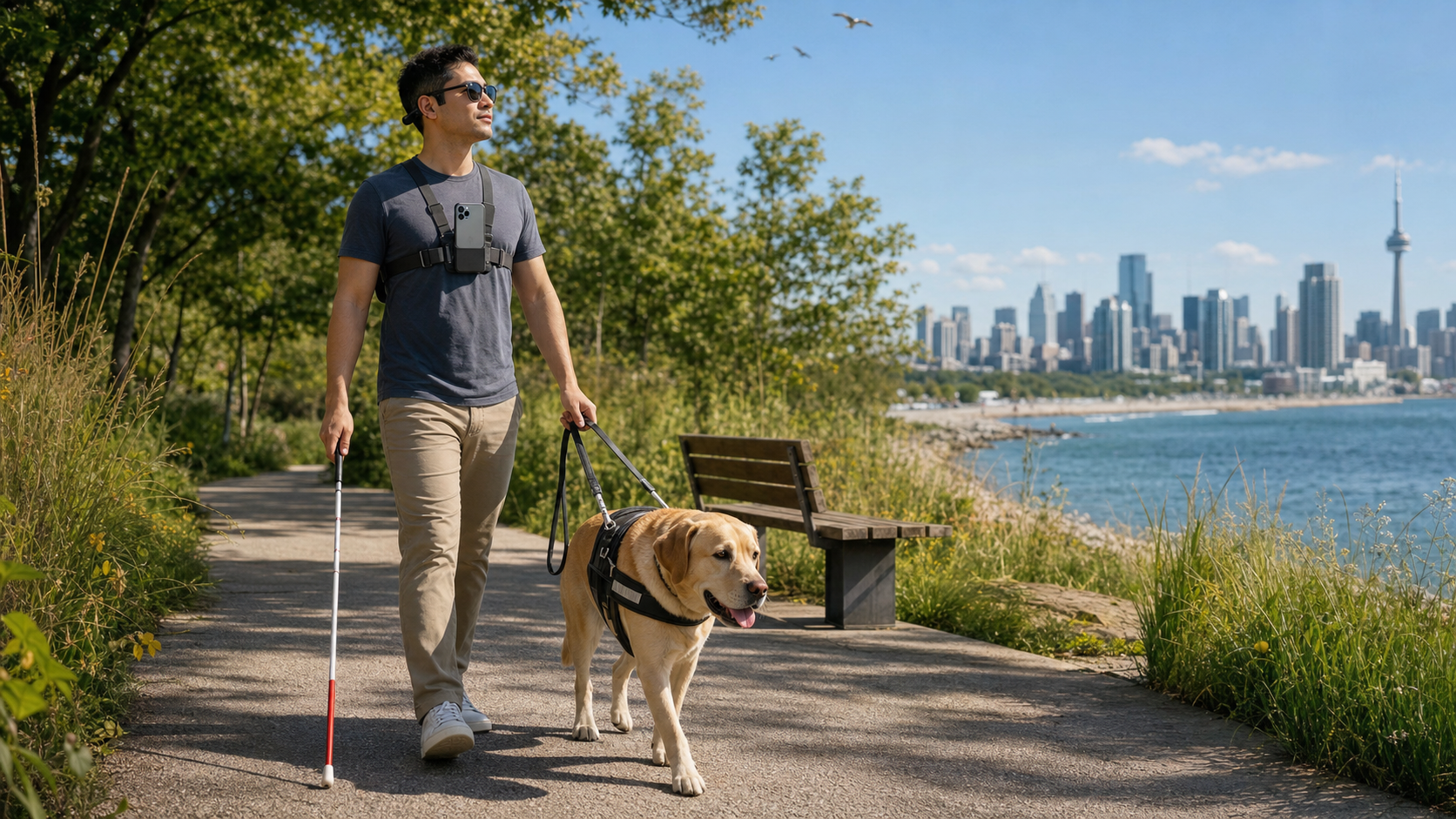
Step outside and enjoy the sunshine and breeze at your own pace

Mount your phone at chest level and start Walking Guardian. Perception Assist adds spoken information through your earpiece, alongside your cane or guide dog, as you stroll through parks, city streets, or the waterfront.

Start walking guard. Walking Guardian adds useful information about your surroundings, so a walk can be about enjoying the journey as well as reaching your destination.

Start walking guard

Walking Guardian adds useful information about your surroundings, so a walk can be about enjoying the journey as well as reaching your destination.

Everyday uses

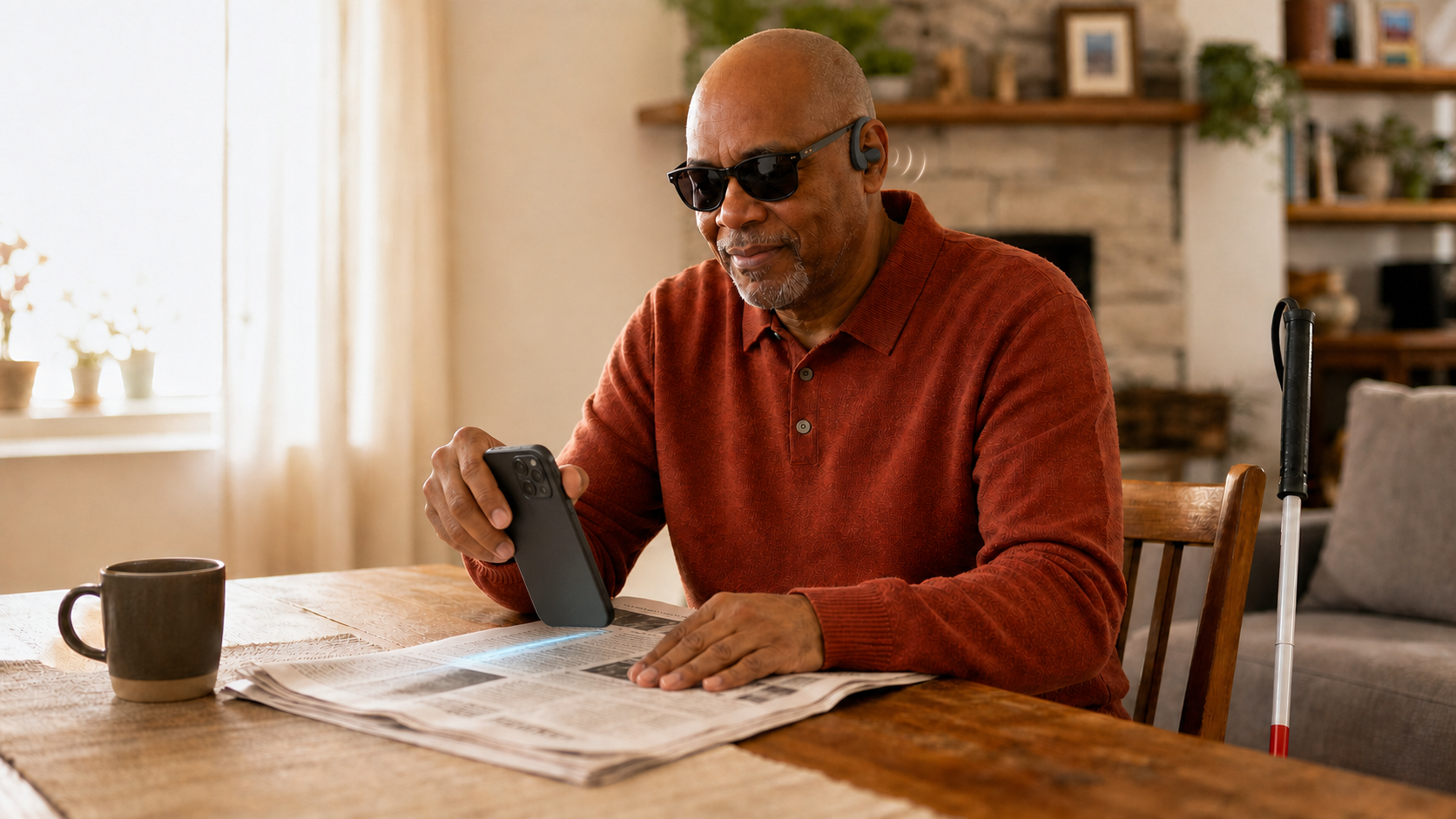
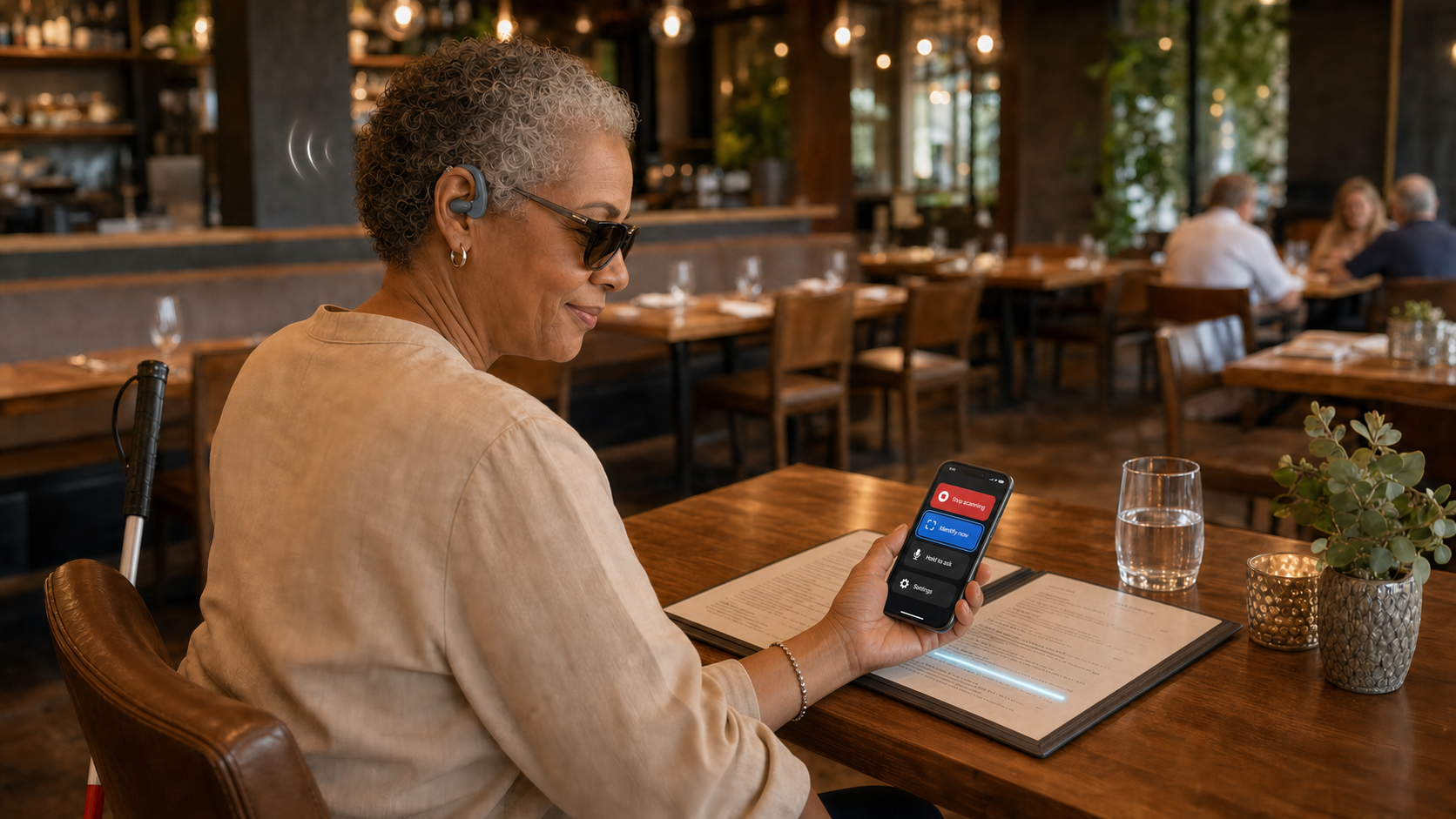
Once seated, read menus, newspapers, and documents at your own pace

Use quick text reading for short content, or open Assistive Reading to magnify, reflow, listen, and keep your place in longer content.

Text recognition. Point at a sign, menu, or package for a quick spoken result without leaving what you are doing.

Read it now and answer the immediate need

Point at a sign, menu, or package for a quick spoken result without leaving what you are doing.

Accessible reading. After importing a document, search it, add bookmarks and notes, return to the source, and continue where you stopped.

Assistive Reading keeps your place

After importing a document, search it, add bookmarks and notes, return to the source, and continue where you stopped.

Accessibility and privacy

Accessibility runs through the interface. Data boundaries stay clear.

Accessibility support

The app supports VoiceOver. For hands-free use, pair it with a chest or necklace-style phone holder so the rear camera faces forward; such holders are available from mainstream retailers. The app also works alongside third-party navigation. Start your preferred navigation app, set your destination, begin guidance, and then switch to Perception Assist (Perceive World Assist) to stay aware of obstacles while following directions.

Everyday reading tools work locally first

Magnification, display, reflow, search, bookmarks, and notes mainly stay on your device. Image description and AI explanation use cloud services only when you choose them.

Safety guidance

Perception Assist (Perceive World Assist) is an assistive aid only. Always combine it with a cane, guide dog, or a trusted companion when moving around. Be cautious near traffic, stairs, elevators, or complex intersections, and confirm what you hear before taking action. Avoid depending solely on the app at night or in poorly lit environments.

1.9.0

Latest release

V1.9.0: public books, cross-language reading, and a stronger long-form experience

Released on iOS V1.9.0 · Android features follow the current store version

Recent update: version 1.9.0

  1. 9.0 expands accessible reading.
  2. Browse, search, download, and read Project Gutenberg public-domain books, with offline reopening and download progress.
  3. Import DRM-free EPUB and TXT files, and open PDFs up to 200 MB.
  4. Switch among original text, smart-recognized text, and translations while keeping positions, bookmarks, notes, and search aligned.
  5. Follow reading keeps the active line near the center with word highlighting; Listen mode can continue when the screen is locked.
  6. Translation and smart recognition continue in sections, announce progress, and resume saved translated content.
  7. Adds Siri reading controls and improves long-document positioning, scrolling, VoiceOver feedback, and stability.

Project GutenbergAvailability and copyright status may vary by country or region. Please follow local law.Machine translation may contain errors. The original book is always preserved. Each successfully translated part uses one text recognition allowance.

Support and free trial

Tell us what happened in real use

Share feature ideas, recognition issues, accessibility feedback, or a trial request. Keep it private or choose to publish it on the suggestion board.

Open an email to service@zutuanqu.cn. If email is not available, copy the contact or request template below.

Send feedback email

Build Perception Assist together

Suggestion board

See what people want Perception Assist to improve next. Every public suggestion is reviewed, and “I need this too” helps us understand priorities.

Voting does not require sign-in. Your browser stores an anonymous token; the server keeps only a one-way hash to prevent duplicate votes.

Loading suggestions

Perception Assist

Stay aware outside. Understand what is in front of you.

Sit down and keep reading. See clearly and manage the whole document.